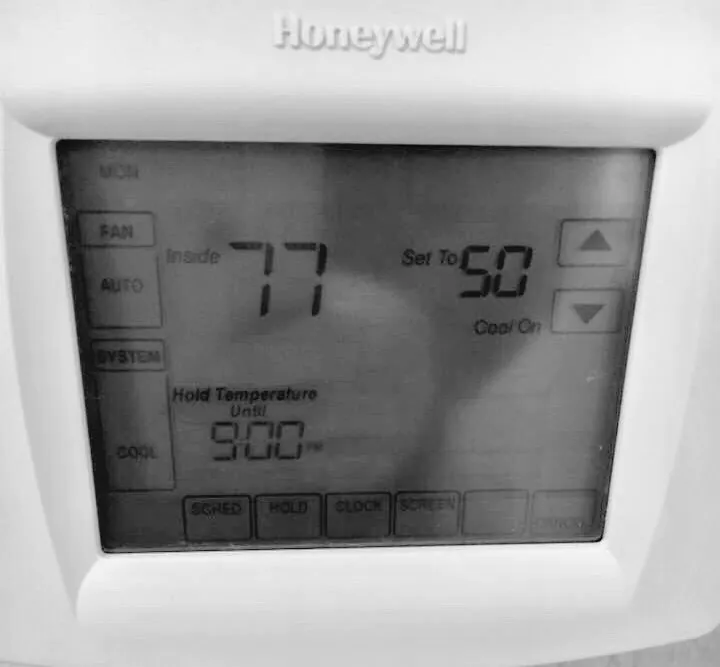
Your thermostat is blank, the house is getting warm, and nothing seems to happen. It is easy to think the thermostat has failed. Often, the dark screen is only the first clue that your heating and cooling system lost control power.
In Central Florida, a backed-up A/C drain is one common cause. Your A/C pulls water from humid indoor air. That water leaves through a drain pipe. If the pipe backs up, a float switch may shut the system off before water spills into your home.
KALOS technical FAQ 1.01
Why is my thermostat blank?
“A blank thermostat usually means it lost control power. In Florida, a backed-up A/C drain often trips a float switch and shuts that power off.”
That is a common cause, but it is not the only one. A few safe checks can help you decide what to do next.
What a blank screen means
Many thermostats get low-voltage power from the A/C equipment. Some also have batteries, but the batteries may only save settings or support the screen. That is why new batteries do not always fix the problem.
The system may have shut off because water reached a float switch. A breaker or service switch may be off. A panel may be loose. A fuse, wire, control part, or the thermostat itself may also need service.
The screen cannot tell you which cause is at work. The full system needs to be checked before anyone replaces a part.
Why Florida A/C drains matter
Your A/C makes water as it cools humid air. The water collects in a pan and leaves through a drain. Dirt or buildup can slow that flow.
A float switch senses rising water and can stop the system. If the thermostat goes blank at the same time, the safety switch may be doing its job.
Never tape down, bypass, or defeat a float switch. That can turn a comfort problem into water damage.
Safe checks you can make
1. Look closely at the screen
Check for faint text, an error message, or a low-battery sign. Touch the screen to see if it wakes. Note when it went dark and whether the A/C stopped at the same time.
2. Check the batteries
If your thermostat manual shows batteries that you may replace, use the correct type and direction. Do not pull the thermostat apart or touch its wires.
3. Look for water from a safe spot
Look around the indoor A/C unit for water or a wet drain pan. Do not remove panels, touch wires, or stand in water near electrical parts.
If you know your drain setup and feel comfortable doing basic care, use KALOS's drain-cleaning guide. Stop if the pipe, access point, or water source is not clear.
4. Note what changed
Tell the service team about a recent power outage, breaker trip, repair visit, odd smell, or water near the unit. A safe photo of the thermostat and the area around the indoor unit may help.
When to stop and call
Call for service if the screen stays blank, the drain keeps backing up, you are not sure where the water came from, or a breaker trips again.
Move away and get help right away if you see smoke, sparks, damaged wires, storm damage, a burning smell, or water near open electrical parts. Call emergency services if there is an active danger.
A trained technician can check the drain safety, power, wires, controls, and thermostat. Fixing the real cause helps keep the problem from coming back.
We can help you take the next safe step
If the safe checks above do not help, call or text KALOS at (352) 243-7099. Tell us whether the screen is fully blank and whether you see water near the indoor unit. We will help you choose the next step and schedule service if needed.